


Apple Pencil Compatibility Guide: Models, Supported iPads & Stylus Options
Learn Apple Pencil compatibility, compare Apple Pencil models, see a compatibility chart, and find the right stylus pen for iPad users and retailers.
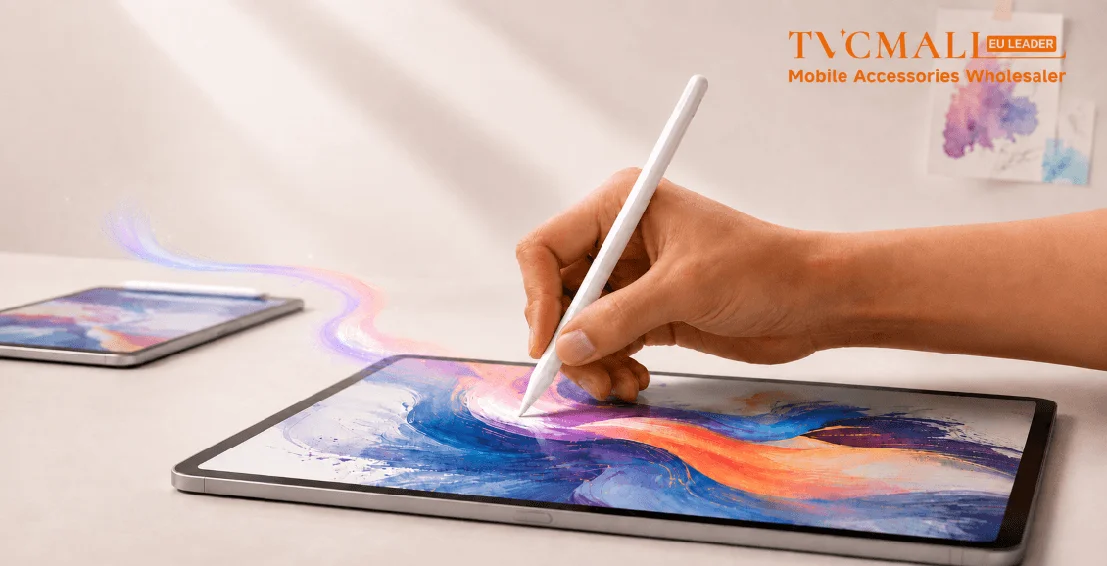
Buying an Apple Pencil isn't as simple as it used to be. Apple now offers several models, and not every iPad works with every one. That's why Apple Pencil compatibility questions are so common and why retailers often see avoidable returns.
Whether you're stocking inventory or shopping for yourself, here's a quick guide to choosing the right Apple Pencil or stylus.
Apple Pencil Models Overview
Apple currently offers four Pencil models, each designed for different iPads and different users.
- Apple Pencil (1st Generation): Compatible with older iPads that use Lightning. It's still a reliable choice for note-taking, sketching, and everyday productivity.
- Apple Pencil (2nd Generation): Adds magnetic charging and gesture controls for supported iPad Air, iPad mini, and iPad Pro models.
- Apple Pencil (USB-C): A more affordable option that covers everyday writing, drawing, and productivity on many newer iPads.
- Apple Pencil Pro: Apple's newest model includes squeeze gestures, barrel roll, haptic feedback, and Find My support. Apple
Pencil Pro compatibility is limited to select newer iPads, so checking your model first is important.
Apple Pencil Compatibility Chart
| Apple Pencil Model | Compatible iPads |
|---|---|
| Apple Pencil Pro | iPad Pro (M4), iPad Air (M2/M3), iPad mini (A17 Pro) |
| Apple Pencil (USB-C) | Recent iPad, iPad Air, iPad mini, and iPad Pro models with USB-C ports |
| Apple Pencil (2nd Generation) | Selected iPad Pro models, iPad Air (4th/5th generation), and iPad mini (6th generation) |
| Apple Pencil (1st Generation) | Older iPad models with Lightning connector support |
Apple Pencil vs. Stylus: What's the Difference?
The Apple Pencil vs. stylus question comes up often because they aren't the same thing. Apple Pencil is designed specifically for compatible iPads and offers features like pressure sensitivity, palm rejection, and seamless pairing. A stylus can range from a simple touchscreen pointer to a feature-rich writing tool.
| Feature | Apple Pencil | Stylus Pen |
|---|---|---|
| Compatibility | Designed for compatible iPad models | Works with a variety of touchscreen devices |
| Features | Offers pressure sensitivity, tilt support, palm rejection, and precise control | Features vary by model, from basic touch input to advanced functions |
| Connectivity | Connects seamlessly with compatible iPads | May connect via Bluetooth, USB-C, or work without pairing |
| Price Range | A premium choice with advanced features | Available in options for different budgets |
Types of stylus pens:
- Active stylus pen: Built with advanced electronics for improved precision, pressure sensitivity, and smart features. It’s a great choice for drawing, detailed note-taking, and creative work.
- Passive stylus pen: A simple, battery-free option that works like a finger on a touchscreen. It’s ideal for everyday tasks like navigating apps, browsing, and taking quick notes.
What Is a Stylus Pen Best Suited For?
A stylus pen gives users more precision and control than a finger, making it a useful tool for everyday touchscreen tasks. From taking notes and signing documents to navigating apps and browsing on tablets or smartphones, a stylus can make digital interactions feel faster and more natural.
For users who create, write, or work on an iPad, an active stylus with features like pressure sensitivity and palm rejection offers a more intuitive experience for drawing, detailed note-taking, and creative projects. For simple everyday use, a passive stylus provides an affordable and convenient way to interact with touchscreen devices without the need for charging or pairing.
With a wide range of options available, retailers can offer stylus pens that fit different user needs, price points, and applications—from basic touchscreen navigation to professional digital creation.
How to Choose the Right Stylus
Before choosing a stylus, it's also helpful to understand the advantages and limitations of different stylus pens. Learn more about the pros and cons of stylus pens to make a better choice for different users and applications.
Not every user needs the same stylus. Some customers are looking for a simple tool for everyday touchscreen use, while others need advanced features for drawing, note-taking, or creative projects.
A basic stylus is often an easy add-on purchase, while active styluses and Apple Pencil attract users who value precision, compatibility, and a more natural writing experience.
For retailers, a well-rounded selection of stylus options makes it easier to cover different use cases, price points, and customer preferences.
Sourcing Tips for Stylus Pens and iPad Accessories
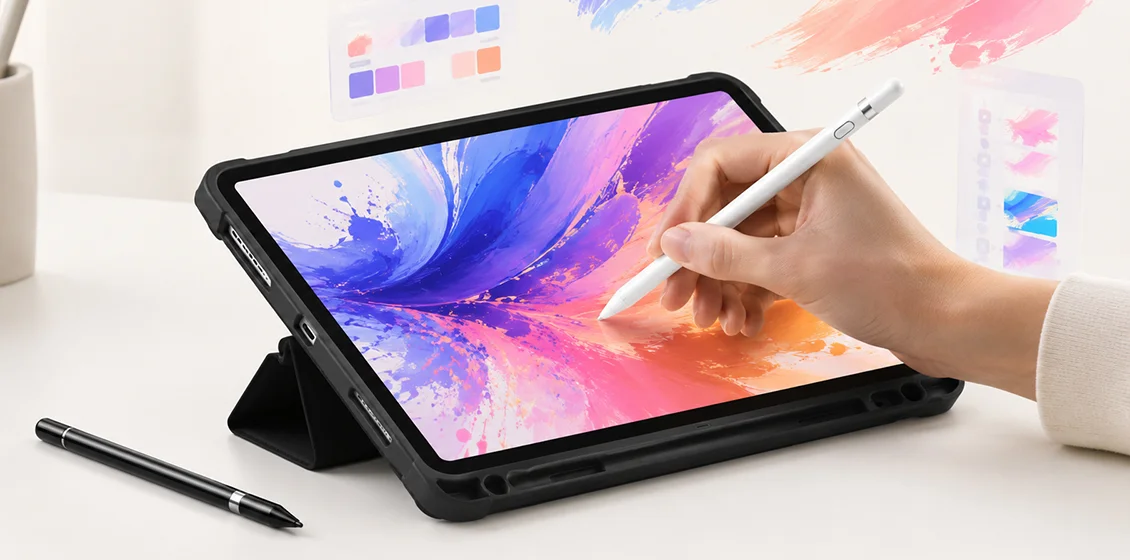
Stylus pens usually aren't the only thing customers buy. They're often picked up alongside other iPad accessories, making them a natural cross-sell.
A well-rounded assortment can include:
- Apple Pencil-compatible accessories
- Active stylus pens
- Passive stylus pens
- Replacement stylus tips
- iPad cases with pencil holders
- Paper-feel screen protectors
- Charging accessories
Small details matter, too. Clearly labeling compatibility and keeping popular accessories together can make shopping easier and help cut down on returns.
Find the Right Tools for Every iPad User with TVCMALL
Apple's lineup keeps changing, and so does the compatibility of Apple Pencil models. Keeping up with what iPads are compatible with Apple Pencil helps customers find the right accessory the first time while making purchasing decisions a little easier. And TVCMALL makes it easier for retailers like you to THRIVE, with all the right accessories to stock your shelves.
Leave a Comment
Your email address will not be published. Required fields are marked *
Stay Current with TVCMALL Wholesale
Subscribe for free to our blog and get expert advice, industry insights, and top wholesale picks. Boost your sales with TVCMALL today!